

Product
Generate, check, and export 3D with BlueFox
Generate from text or an image with BlueFox, Hydrilla's 3D model, check the result in the browser, and export it to your engine or DCC.
Hydrilla keeps generation, review, and handoff in one browser workspace, so an artist can move from an idea to a file the pipeline accepts without changing tools. Each step below links to the page that covers it in depth.
Start from a prompt, an image, or a conversation
Pick the input that matches what you already have. A written description works while the idea is still in your head, and a picture works once the look is decided. Text to 3D and image to 3D both run on BlueFox, so results arrive in the same structure whichever way you start.
Water Agent
When the job is a whole set rather than one model, give Water Agent the brief and work through it piece by piece in one conversation, as you would with your art team. How Water Agent works
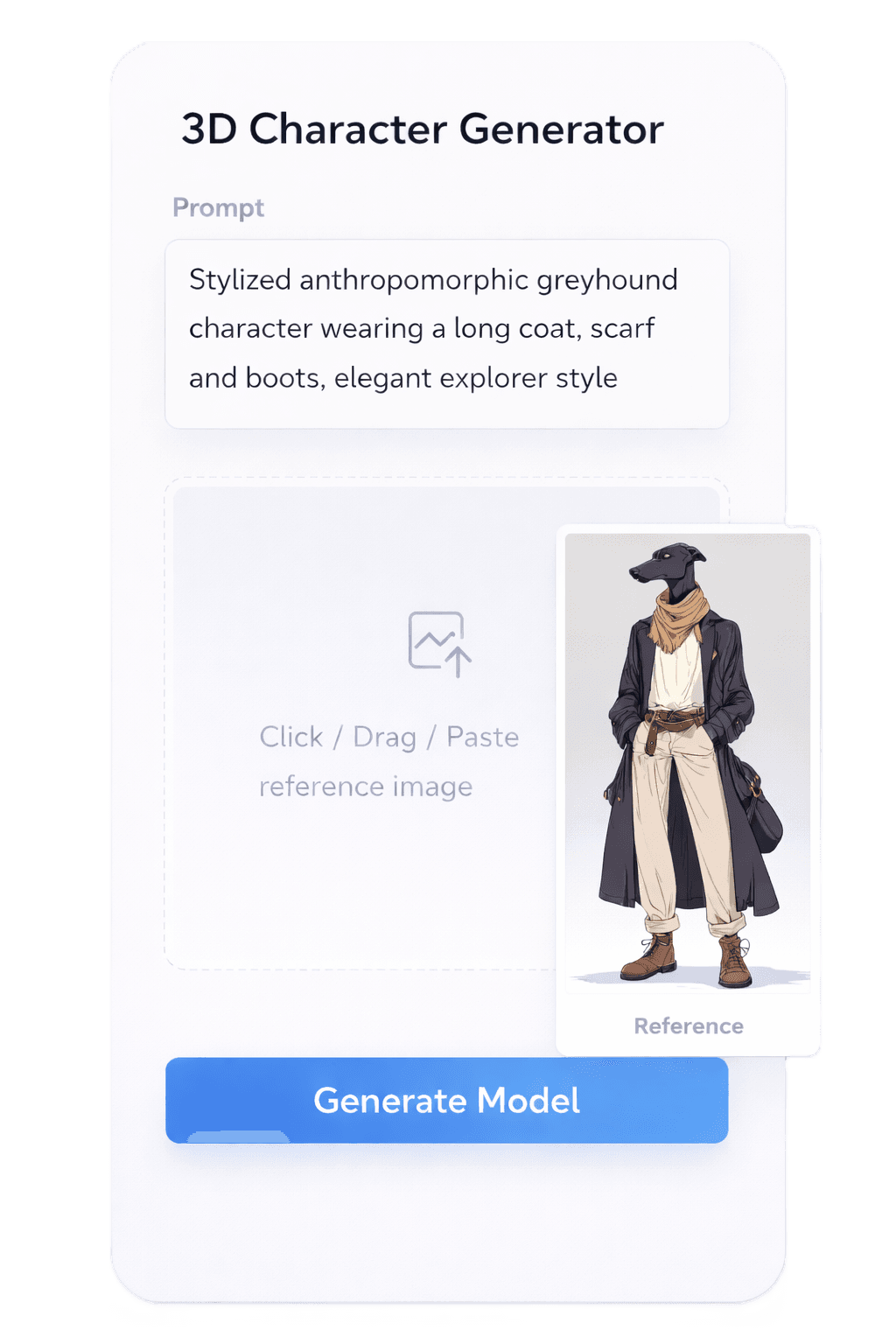
PromptText to 3D
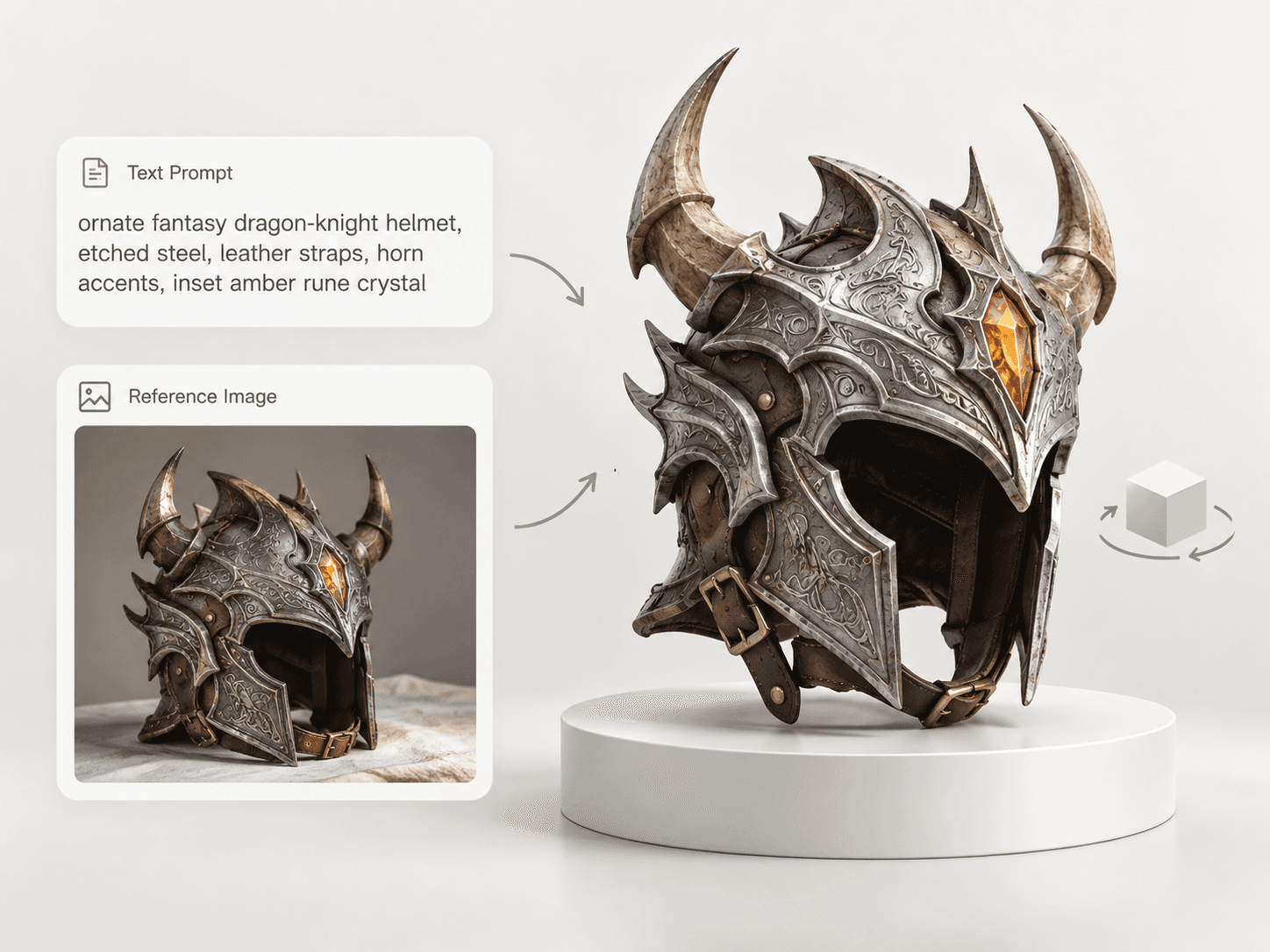
ImageImage to 3D
Check every model before you export
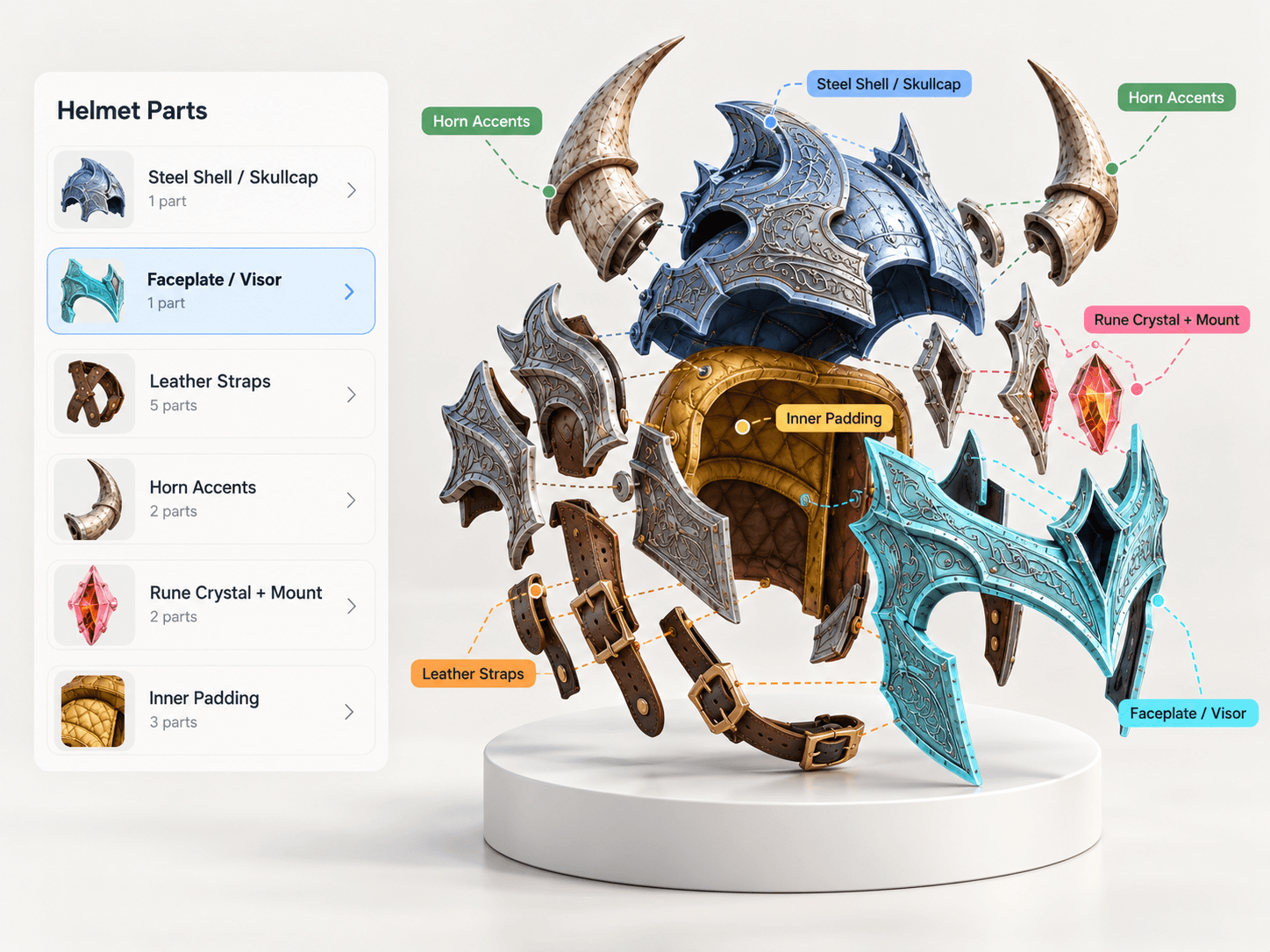
Every result opens in an in-browser preview, so you can judge it before it reaches your project. Orbit the model, select individual parts, and look at materials under light to catch shape or texture problems while they are still cheap to fix. Each result is a segmented mesh with UVs and PBR maps, explained here.
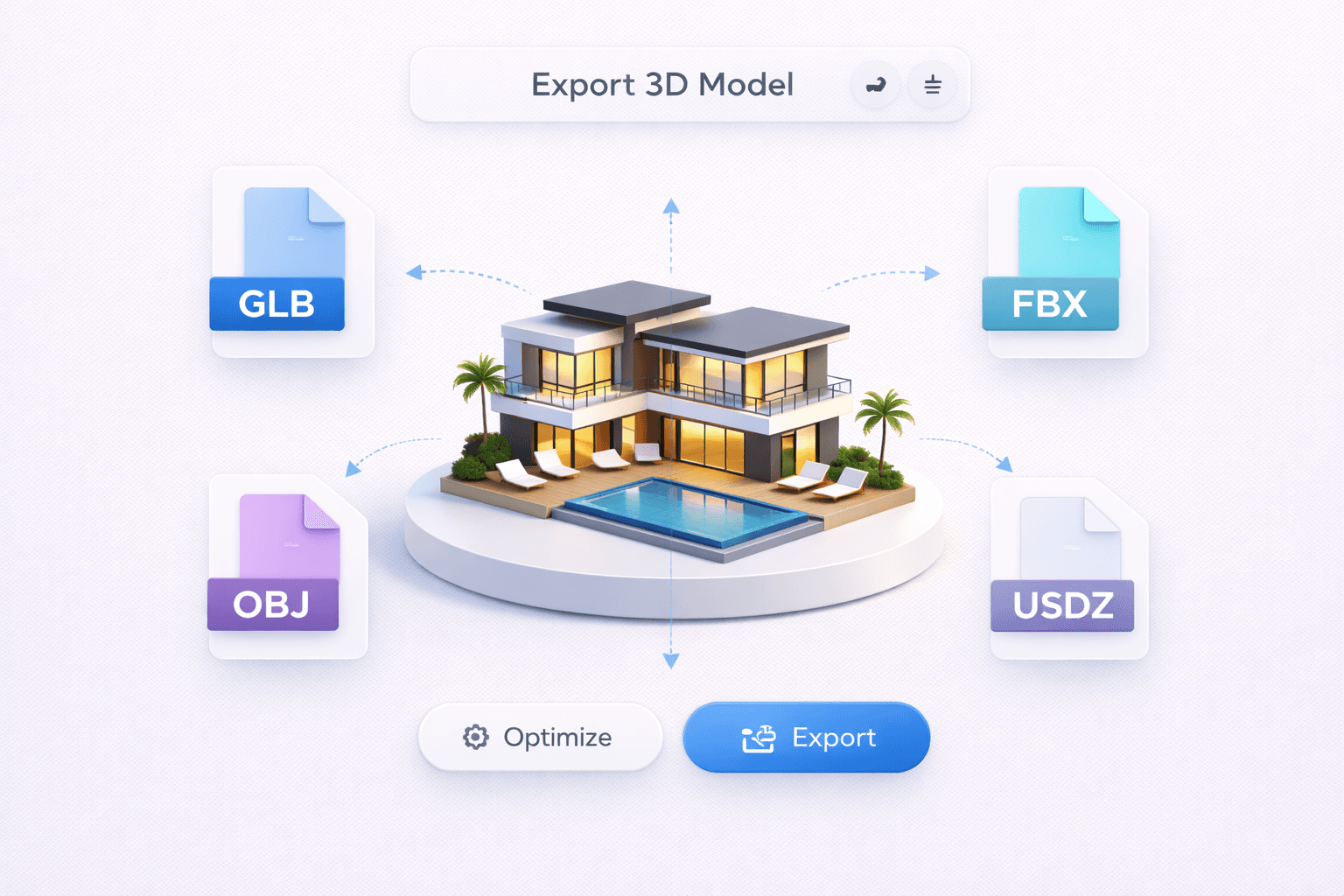
Export to the format your tool opens
Hydrilla exports GLB, FBX, OBJ, and USDZ, on every plan, Free included. Choose the format by where the asset goes next; the table is a quick guide, and the units table helps you check scale on import.
| Format | Use |
|---|---|
| GLB | Web viewers and real-time engines |
| FBX | DCC tools and engines that expect FBX |
| OBJ | Plain geometry between modeling tools |
| USDZ | AR viewers on iPhone and iPad |
Send it straight into your tools
Plugins for Blender, Unity, Unreal, and Godot take models over the local Bridge, so a result can move from the preview into your open scene without a manual download. AI agents connect through MCP, and your own code calls the REST API. All integrations
New models will be available through Water Agent as they arrive.